
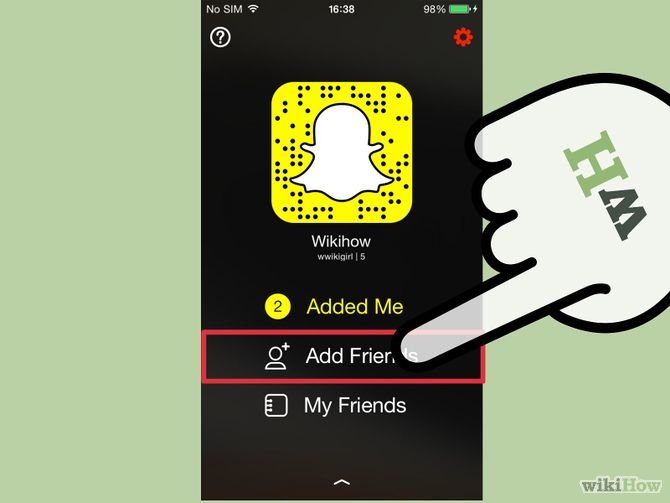
4. Add friends with this ghost on your profile screen
Source: wikihow
Swipe down the main screen to add contacts or tap the Snapchat logo at the top; your contacts will pop up, then go to setting symbol at the right hand corner of your screen. The screen allows you to sight who has added you, option of add friends and see your friends’ contact list.